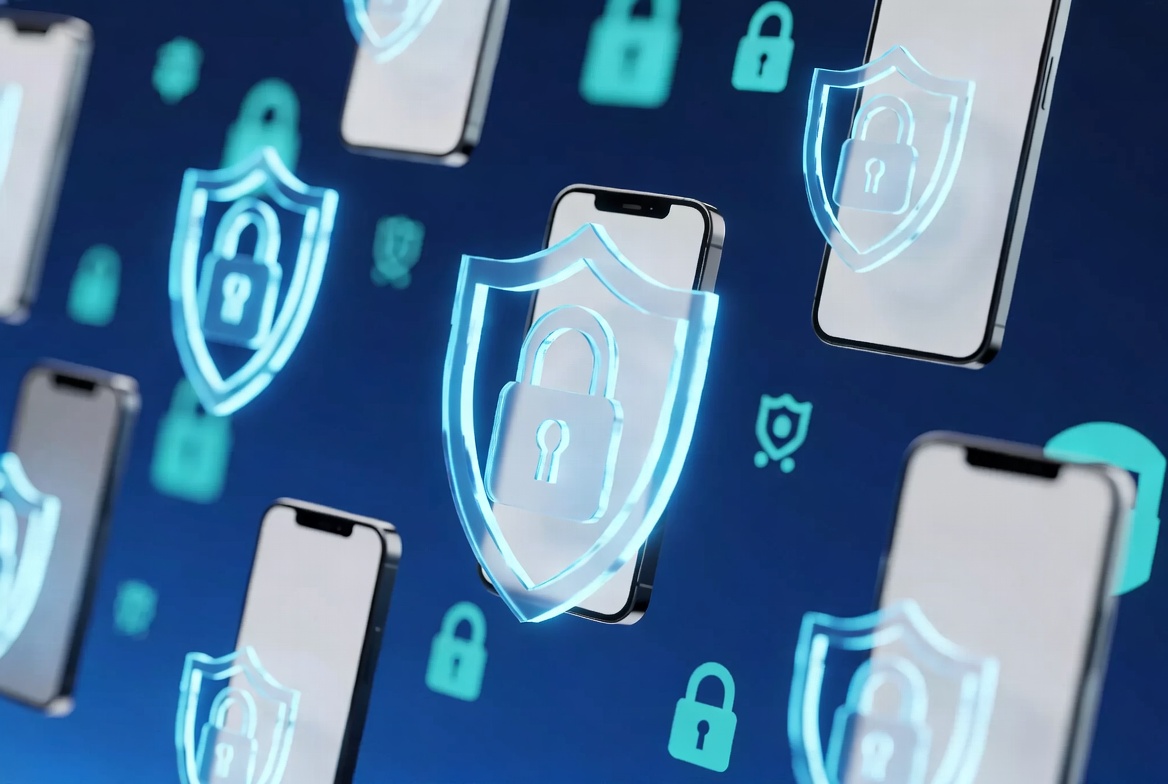
Why You Need an MDM Solution in 2026

MDM Solution in 2026

You know how chaotic things get when phones and tablets run the show at work these days. That is exactly why your business needs a solid MDM solution in 2026. Devices power everything from team communication to customer records, but they also create serious risks if you leave them unmanaged.

I have watched too many companies scramble after a security scare or waste hours chasing device problems. Do not let that become your story.

Why Security Demands an MDM Solution in 2026

Cyber threats target mobile devices more aggressively every year. Hackers use clever phishing attacks and sneaky malware that slips past basic defenses.

With a strong MDM solution in 2026, you lock everything down quickly. You enforce strong passwords, encrypt sensitive data, and monitor for suspicious activity in real time. If trouble hits, you can wipe devices remotely before any information leaks. That kind of control brings real peace of mind.

Handle BYOD Without Losing Control

Employees prefer using their own devices for work because it keeps them comfortable and saves your company money. Yet mixing personal and business data creates real vulnerabilities.

Your MDM solution in 2026 draws a clear boundary. It protects company information while leaving personal photos and messages completely private. Teams stay productive on devices they love, and you maintain full control.

Stay Compliant and Confident with an MDM Solution in 2026

Regulations like HIPAA and GDPR grow stricter all the time. One mistake can lead to heavy fines and damaged trust.

A good MDM solution in 2026 simplifies compliance. It keeps encryption active, tracks changes automatically, and delivers the reports auditors want. You avoid messy manual processes and stay ahead of requirements.

Support Remote Teams Anywhere

Hybrid work continues to expand, with people logging in from coffee shops, homes, and travel spots everywhere.

MDM solution in 2026 gives your IT team central control no matter the location. You push apps, solve issues, and provide secure access from one dashboard. Support tickets drop while productivity stays high.

Boost Productivity and Cut Costs

Nobody enjoys spending all day managing updates and fixing random device issues. Manual work wastes time and invites errors.

Your MDM solution in 2026 automates the routine tasks. Apps install smoothly, settings stay optimized, and you block distractions easily. Devices last longer, replacement costs drop, and your team focuses on real work instead of tech headaches.

Scale Your Business Smoothly with an MDM Solution in 2026

Growth feels exciting until devices multiply and chaos follows.

A reliable MDM solution in 2026 grows with you. New employees set up quickly, new locations stay secure, and everything remains organized. You spend more time expanding and less time fighting technology problems.

Mobile work keeps expanding, so smart leaders get ahead of the curve instead of reacting later.

If you want an MDM solution in 2026 that fits your business and keeps things simple, check out what we offer at AEH Solutions. Our Mobile Device Management (MDM) Solutions deliver security and productivity without the usual headaches.

Original article reference: https://moki.com/why-you-need-an-mdm-solution-in-2025/

Data Backup Importance, or How to Ensure Data Continuity

Data Backup Importance

Data backups protect your important files from total loss, and honestly, if you’re not doing them regularly, you’re playing with fire especially when you’re not super tech-savvy. Data backup importance hits hard because life throws curveballs like hard drive crashes, sneaky ransomware attacks, accidental deletes, or even a flood wiping out your office gear. Without backups, poof years of photos, customer records, work docs, or family memories vanish.

I see it all the time: folks scramble in panic after something goes wrong, wishing they’d listened sooner. So let’s break this down simply, because you don’t need a computer science degree to get why data backup importance matters so much in everyday life and for small businesses.

Common Ways Data Gets Lost

Hardware fails. That old laptop or external drive? It dies without warning. Then suddenly your business invoices, client lists, or vacation pics are gone. Ransomware locks everything up and demands cash paying rarely fixes it cleanly. Human mistakes happen too; you click delete instead of copy, and a whole project disappears. Natural disasters like fires or storms hit servers hard. Cyberattacks keep rising, and even little glitches corrupt files.

These aren’t rare horror stories they happen daily. And when they do, businesses grind to a halt, customers get mad, and money bleeds out fast.

How Backups Actually Save the Day

Backups create extra copies of your stuff in safe spots. Restore from a clean version, and boom you’re back in business quick. This keeps things running (business continuity), gets you recovering fast after disasters, fights off cyber crooks by letting you skip paying ransoms, and helps meet rules if you’re handling sensitive info like health or payment data.

Plus, backups cut costs big time. Fixing a mess without them racks up way more in lost time, lost sales, and emergency IT help than any backup plan ever costs.

Smart Ways to Back Up Your Data

Follow the golden 3-2-1 rule keep three copies of your data, on two different types of storage (like your computer plus an external drive), with one copy offsite (cloud or another location). Automate it so you don’t forget. Test restores sometimes don’t wait for a crisis to discover your backup won’t work. Encrypt them for extra safety, especially if you’re storing personal info.

Options include full backups (everything every time), incremental ones (just changes since last backup saves space and time), or cloud services that handle a lot automatically. Pick what fits your needs without overcomplicating things.

Why Off-Site Backup Solutions Make the Most Sense for Businesses

Here’s the thing: local backups are great, but if a fire, theft, or big ransomware wave hits your whole office, those drives go down too. That’s where our off-site backups shine they store your data securely away from your location, often in the cloud with geo-replication so it’s duplicated across data centers.

At AEH Solutions, we specialize in exactly this kind of rock-solid protection. Our off-site backup solutions uses both file and image-based backups. We make it automatic, so you don’t have to babysit it, and it’s designed for businesses like yours that want peace of mind without the headache.

No more worrying about drives failing at the worst time or hackers holding your data hostage. We handle the heavy lifting so you can focus on running your business, not stressing over what-ifs.

Quick Tips to Get Started Today

Start small if tech stuff overwhelms you. Grab an external hard drive for quick local copies, but don’t stop there pair it with real off-site protection. Set everything to run automatically. Make a habit of checking it works. Train anyone using your computers tell them “hey, we back up so mistakes don’t kill us.”

Seriously, data backup importance isn’t optional anymore it’s basic protection, like locking your doors at night. Do it consistently, and sleep easier knowing your digital life won’t crumble from one bad day. If you’re ready to level up with pro off-site backup that actually works for your business, check out what AEH Solutions offers.

Original article reference: https://www.clrn.org/why-are-data-backups-important/

Boosting Your Business in 2026: Why Remote Monitoring Isn’t Just Tech Jargon—It’s Your Secret Weapon

Hey folks, it’s Austin here from AEH Solutions in sunny San Antonio. We’ve covered a lot on cybersecurity lately—like sneaky AI phishing and Microsoft’s Copilot updates. Today, let’s talk about something that’s transformed our clients: remote monitoring for small business (also called RMM).

If you run a small to medium-sized business with 5-100 employees, this isn’t just tech talk. It’s a tool that keeps things running smoothly—no major headaches.

What Is Remote Monitoring and Why Do Small Businesses Need It in 2026?

Picture a typical Monday. Your team jumps into emails and files. Suddenly, the network crawls. Is it a glitch? A hacker? Or that one bad click from the weekend?

Without help, you’d call an IT person and lose hours—or days. But remote monitoring spots issues early. We use proactive alerts, real-time checks, and quick fixes. You barely notice the problem.

This cuts downtime. It boosts productivity. And it gives real peace of mind.

How Remote Monitoring Prevents Downtime Before It Happens

I’ve seen it work wonders. Take a local accounting firm we support—about 20 people. They had old servers and spotty backups. Everything seemed fine until ransomware hit.

We installed our RMM setup. It includes constant endpoint checks, auto-patching for OS and apps, and always-on antivirus. Now? Downtime is almost zero. They know we’re on watch 24/7.

It’s not paranoia. It’s smart prep. Cyber threats evolve fast. Recent reports show a big spike in attacks on SMBs like yours. Hackers target them because they lack big-company defenses.

Why RMM Scales Perfectly for Teams of 5-100 Employees

RMM is built to grow with you. A few remote workers? Full office? It adapts easily.

We handle monitoring, updates, and support remotely—no van needed. This saves you money (no emergency fees). It frees you to focus on your business.

In 2026, hybrid work and AI tools are everywhere. A solid system to oversee it all is essential. Think of it as an extra team member—always on, spotting risks, and improving performance.

Beyond Defense: How Remote Monitoring Drives Business Growth

RMM isn’t just protection. It fuels growth too. You get reports showing weak spots in your tech. Fix them for better efficiency. Catch small issues early. Avoid big, costly breakdowns.

Our clients in retail, healthcare, and professional services see smoother ops. Less IT drama means more revenue.

Quick Poll (Embed via Typeform, LinkedIn poll, or your site): What’s your biggest IT headache right now?

  • Downtime & slow networks
  • Cybersecurity worries
  • Remote/hybrid support issues
  • Keeping software updated
  • Other (comment below!)

Your answers help us create better content—and might lead to a fix for you.

Ready to Protect Your Business? Get Started with AEH Solutions

If this fits your needs—and honestly, who doesn’t need it in today’s world?—reach out to AEH Solutions. We tailor RMM for SMBs in Texas and beyond.

[Schedule Your Free Consultation Today] info@aehsolutions.com

Email info@aehsolutions.com or visit our site. Let’s set up remote monitoring that fits you perfectly and keeps you ahead.

Until next time, stay tech-savvy and safe! Austin AEH Solutions Team